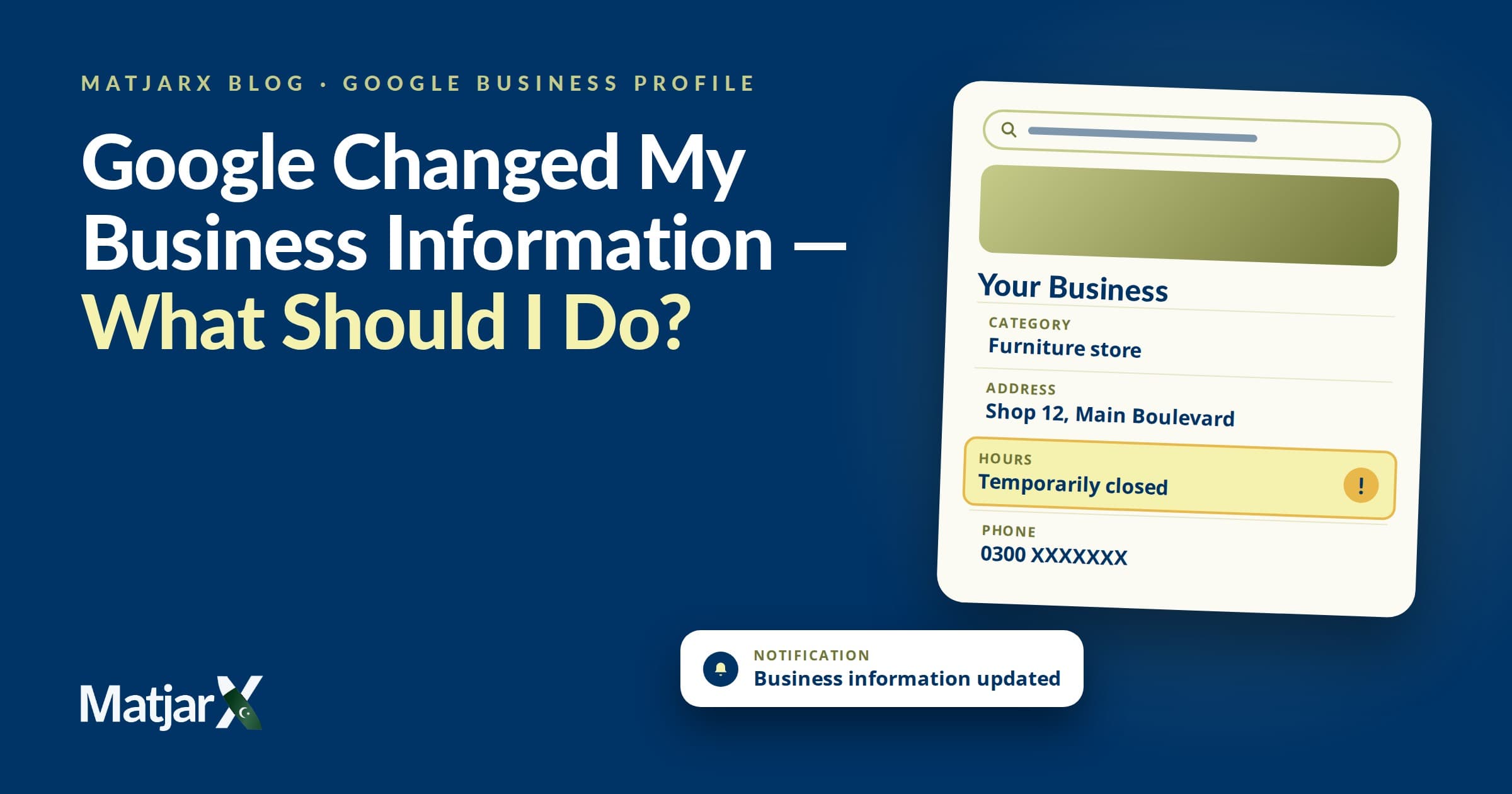
Why Google Business Profile information can change, how business owners can check it, and how to keep their online presence accurate.
1. The Phone Number Mystery
You update your business information on Google. Six weeks later, a customer tells you the phone number is wrong. If you run a local business, restaurant, retail shop, or service company in Pakistan, this moment feels deeply frustrating. You log into your account, and sure enough, a digit has changed, or an old alternate number has reappeared. You might wonder why this happens. Is someone hacking your account? Is Google deliberately trying to cause chaos for local enterprises? The reality is much simpler—and much more manageable once you understand how local search directories actually function.
2. How Google Business Profile Information Works
A Google Business Profile is not a private, static database locked away in a cabinet that only you hold the key to. It is part of a massive, dynamic mapping and search ecosystem designed to serve millions of local users concurrently. Google’s primary goal is data accuracy for the public. When users search for open hours, store locations, or contact numbers, Google wants to provide information that reflects reality. Because businesses change details frequently—or sometimes forget to update them—Google uses multiple inputs to keep listings fresh and helpful. Your dashboard is the primary control panel, but it is not the only place where information enters the system.
3. Where Google May Get Information
Google compiles local business data from a wide variety of public and proprietary signals. These can include:
When these sources disagree—for instance, if your website lists an old landline number while your profile lists your new mobile number—Google may attempt to reconcile the discrepancy.
4. Why Customer and User Suggestions Matter
One of the most common reasons profile details shift is user-submitted edits.Google allows users and local guides to suggest changes to a business listing—such as correcting wrong operating hours, updating a relocated address, or reporting a closed store. If a customer visits your physical storefront on a public holiday and finds it closed when your profile said you were open, they can submit an update. Depending on the type of edit and the strength of the incoming data signals, some suggested changes may be published by Google with or without prior review from the owner. Google provides notifications and review tools inside your dashboard so you can monitor these updates, but catching them requires regular attention.
5. What Business Owners Should Check Regularly
To prevent outdated details from lingering on your listing, you should periodically audit key fields on your profile. Do not assume every field changes constantly, but keep a close eye on the essentials:
6. How to Check Google Updates
Google provides clear pathways to review your profile status and manage updates directly. Here is how to check your listing using Google's current interface:
7. What to Do When Information Is Wrong
If you find that an unauthorized change has slipped through, don't panic. Fix it systematically:
8. Why Consistency Matters Across the Web
Your digital footprint is interconnected. If your Facebook page, Instagram profile, official website, and Google Business Profile all display slightly different phone numbers or addresses, search algorithms and human customers get confused. True digital consistency means a customer in Karachi, Lahore, or Islamabad sees the exact same business name, address, and phone number (NAP) no matter where they encounter your brand online.
9. What This Has to Do with SEO
Many business owners think local SEO is purely about stuffing keywords into a webpage. In reality, local search visibility depends heavily on trust and data integrity.Google Maps and local search packs favor profiles that are complete, active, and verified. If your business information is erratic, if your linked website is slow or broken, or if your operational hours contradict user feedback, Google's algorithms are less likely to recommend your business for high-intent local searches. Strong small business SEO starts with a clean, accurate foundation on Maps and a fast, structured website.
10. What This Has to Do with Customer Trust
Imagine a potential client searching for your restaurant or service center. They find your listing, dial the phone number, and reach a disconnected line. Or worse, they drive to your old address because the profile hours and location weren't updated. In commerce, small frictions destroy trust instantly. A wrong phone number, outdated opening hours, or an incorrect service description doesn't just hurt your search ranking—it hands paying customers directly to your competitors.
11. Your Simple Monthly Digital-Presence Checklist
To keep your listings accurate without letting it become a full-time job, run through this quick 30-minute monthly checklist:
12. Where MatjarX Fits In
Managing a Google Business Profile, keeping website content aligned, and maintaining local search visibility takes consistent oversight. This is why many growing Pakistani businesses partner with managed platforms like MatjarX to handle their broader digital infrastructure. MatjarX offers structured plans tailored to different business stages, combining custom websites, secure hosting, and professional SEO management:
These plans help unify your website and online presence, ensuring your digital assets work seamlessly together without requiring guaranteed ranking gimmicks. You can review the complete feature breakdown on the MatjarX pricing page.
Conclusion
Your Google profile is not something you create once and forget. It is a living window into your business that interacts with search algorithms, customer suggestions, and web crawlers every single day. Check the information your customer sees — not just the information you think you published. If you want to build a reliable website foundation and streamline your business's online management, explore MatjarX plans or visit MatjarX to see how simple a professional digital presence can be.
Want this handled for you?
We build the whole website — design, copy, images, Google listing — and launch it in seven days from Rs. 22,500.
See plans